What changes when engineering rules generate the geometry?
A different starting point
Instead of drawing each feature by hand, this project starts with a JSON specification and a set of engineering rules. PicoGK and the LEAP 71 ShapeKernel turn those inputs into voxel geometry for an aerospike engine.
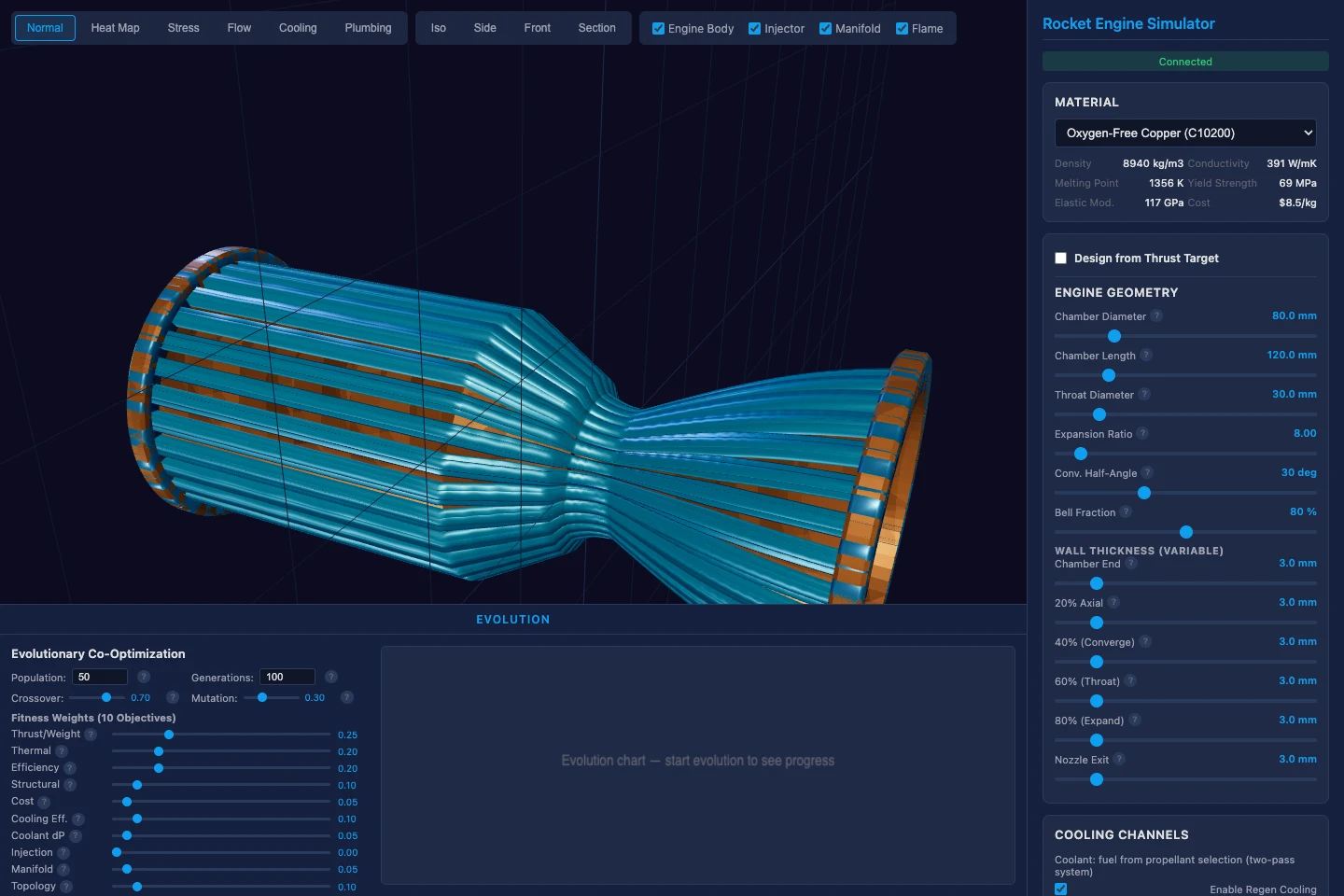
The design is organised into a centrebody, a cowl and a head disc. The model derives the plug contour and includes regenerative cooling paths, connecting the outer shape to the engineering assumptions behind it.
Generation needs a counterpart
A Python validation harness examines geometry, cooling and other screening calculations. That creates an iteration loop: change the specification, generate the design, and inspect the checks. A configuration that cannot meet the cooling assumptions should be reported as such.
The repository also explores printable mesh exports and checks such as watertightness. The renders show the generated object; they are useful for understanding its structure, while numerical checks answer different questions.
The boundary of the model
This is an exploration of a computational engineering workflow. Its simplified screening models do not establish that an engine can be manufactured and operated safely. It is neither a replacement for detailed propulsion validation nor a reproduction of LEAP 71’s proprietary engineering system.